Spaces
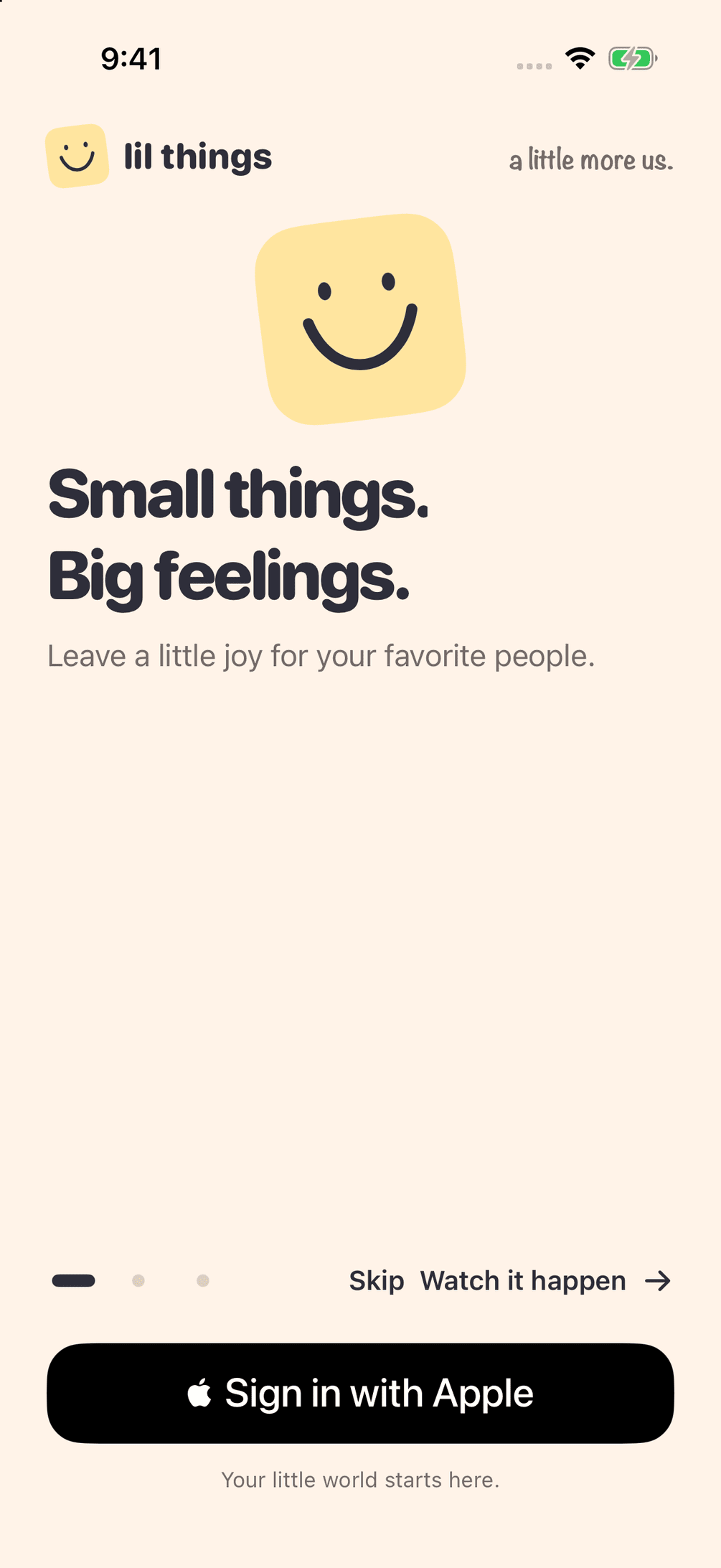
A corner for two
Each Space is shared by two people. Name it, keep your things there, and leave the rest of the internet outside.
How it works
That’s the whole idea. A Space, a little thing, and a widget.
Invite one person. A Space is just the two of you — your corner, with nobody else in it.
A drawing, a photo, a note in your handwriting. It does not have to be good. It has to be from you.
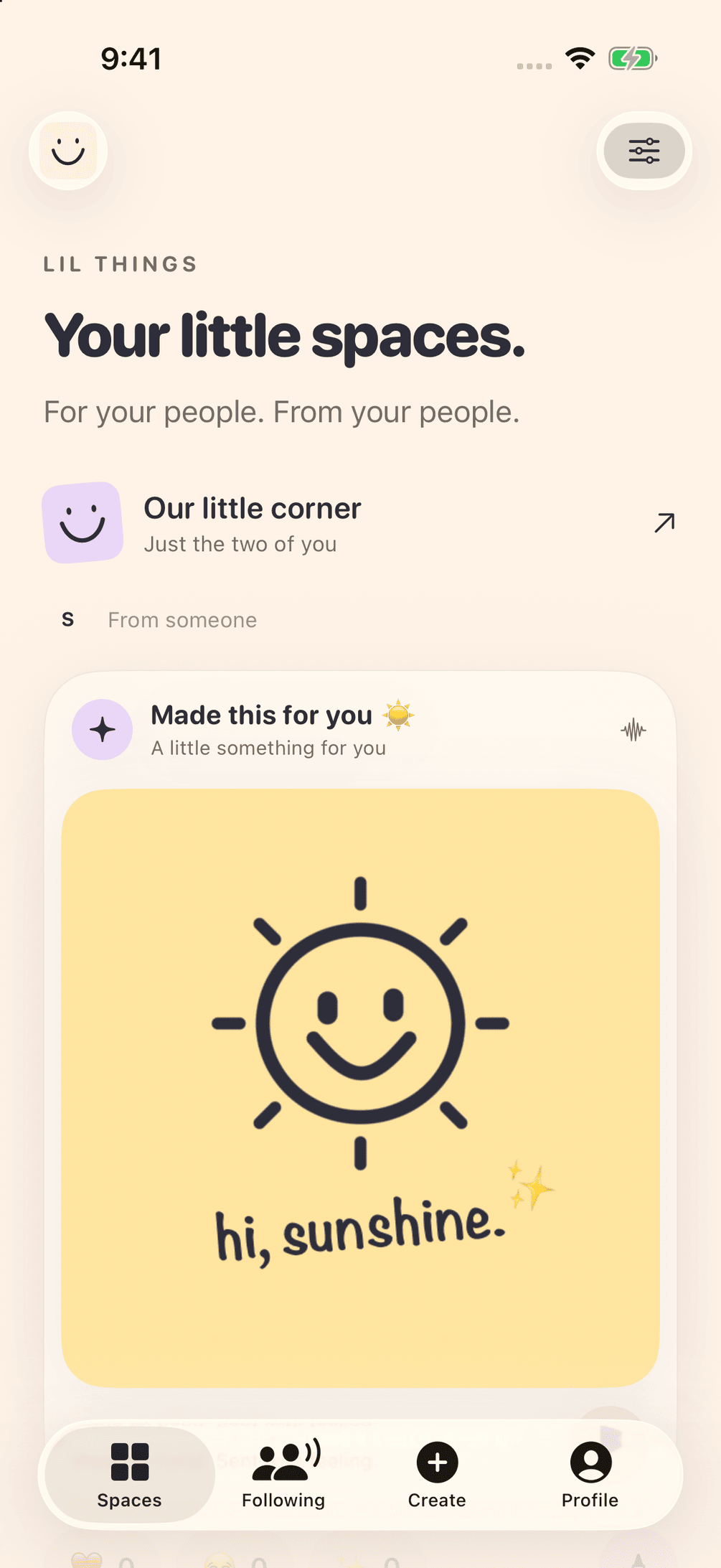
It shows up on their widget. They can react right there, or watch the drawing appear, stroke by stroke.
In the app
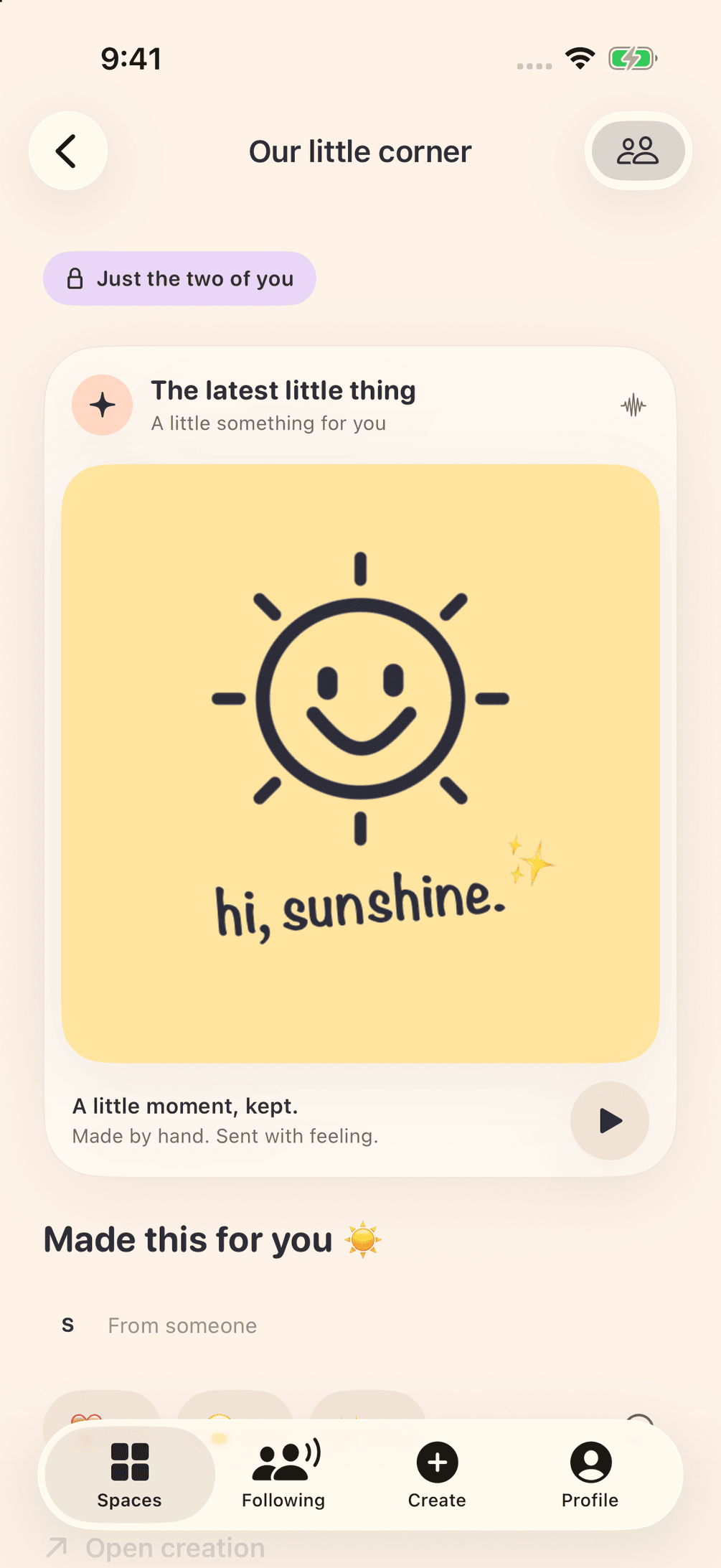
The app stays small, so the feeling doesn’t.
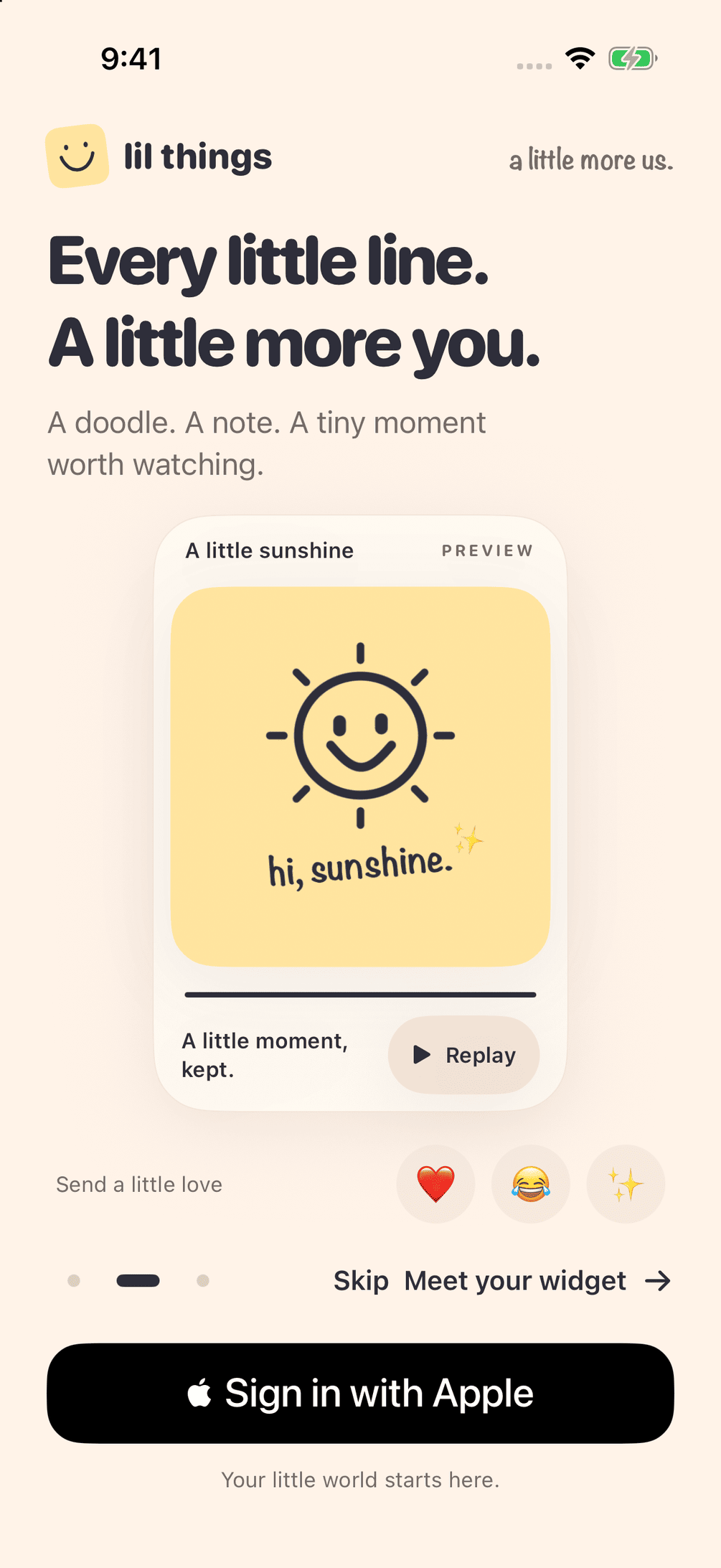
Spaces
Each Space is shared by two people. Name it, keep your things there, and leave the rest of the internet outside.
Watch it happen
A drawing can replay the way it was made. Every stroke, in order. It feels like standing next to someone while they draw it for you.
On the widget
Love, a hug, a sparkle, a smile. On the widget, so you can answer without opening a thread.
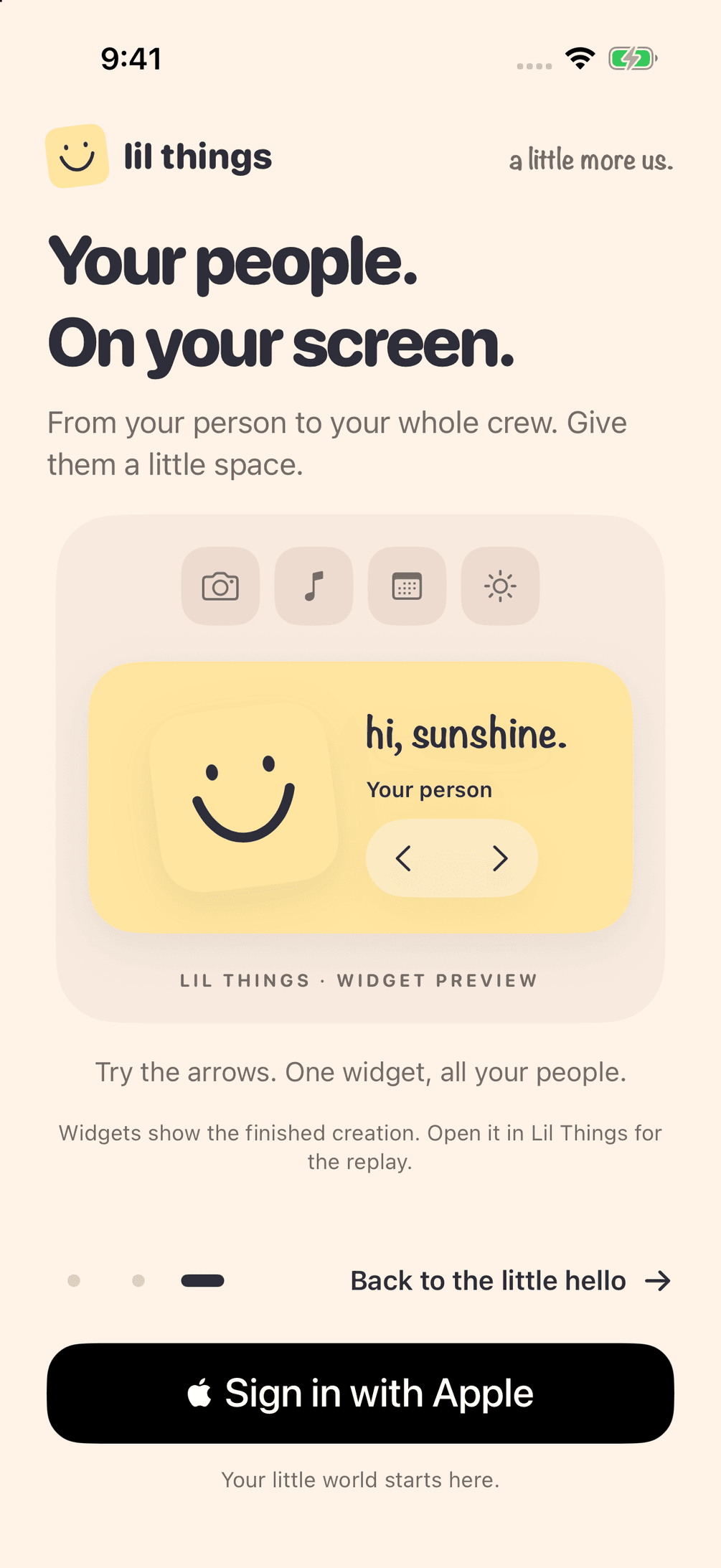
Touch and hold the Home Screen, tap Edit, then Add Widget. Search for Lil Things, pick a size, and choose the Space.
You
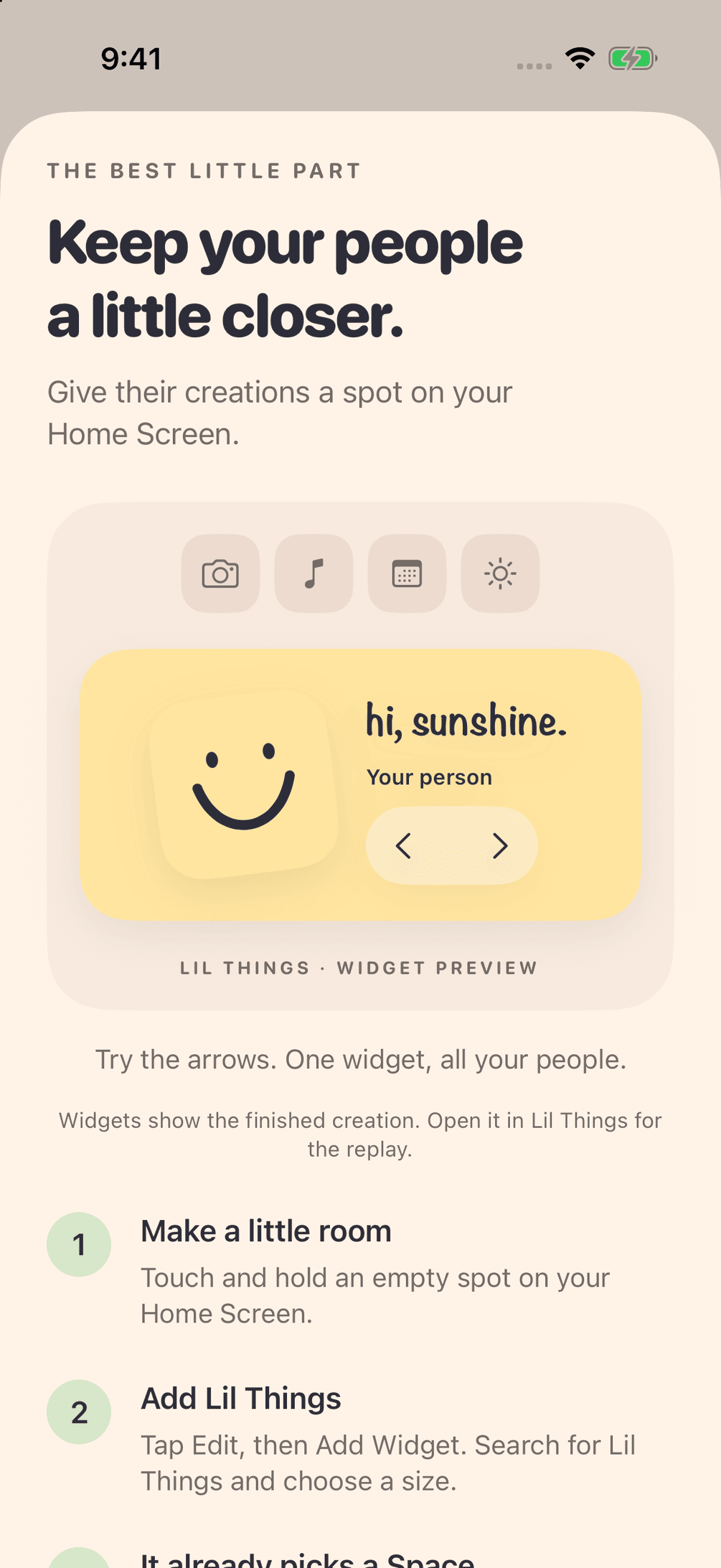
A photo, a display name, and a color. Quiet hours, for when you’d like the little things to wait until morning. Sign in with Apple, and that’s the account.
FAQ
A shared home-screen widget for two people. You send little drawings and photos into a Space, and they show up on each other’s phone.
Two people. A partner, a friend, someone you like to send small things to. You can keep more than one Space.
iPhone and iPad, on iOS 17 or later. Both of you need the app.
It’s a replay of a drawing, stroke by stroke, in the order it was made. Photos stay as photos.
You can leave a heart, a hug, a sparkle, or a smile on the widget, or on the thing they sent. It’s a small way to say you saw it.
They’re stored so you can share them with the people in your Spaces, including on the widget. Sign in is with Apple. There are no ads, and we don’t sell your data. The privacy policy has the rest.
Touch and hold the Home Screen, tap Edit, then Add Widget, and search for Lil Things.
Write to support@lilthings.app, or visit the support page.

a little more us.
iPhone and iPad · iOS 17 or later
Get Lil Things on the App Store (opens in a new tab)